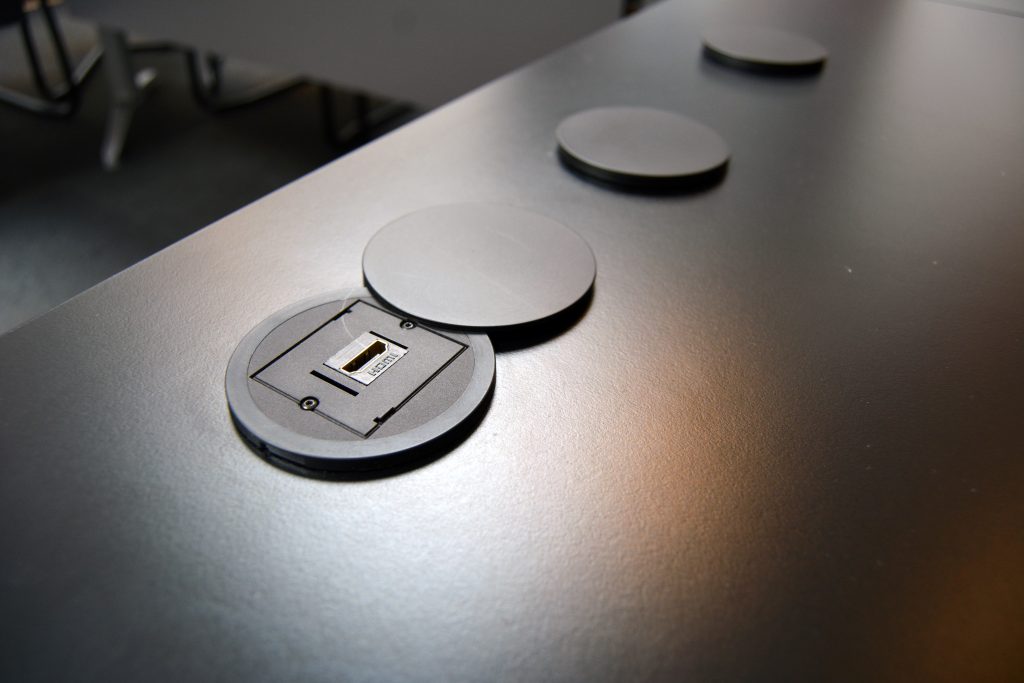
If, as a participant in the meeting, you want to show a presentation from your laptop, you can connect your laptop to the table using an HDMI cable. The so-called HDMI port can be found in the middle of the sockets. Behind the 3rd slide is the HDMI port.
The port is configured in such a way that the last person to insert the HDMI cable into one of the ports will automatically be selected. As soon as you remove your HDMI cable from the port, the connection is stopped and it may be returned to the previous connection.
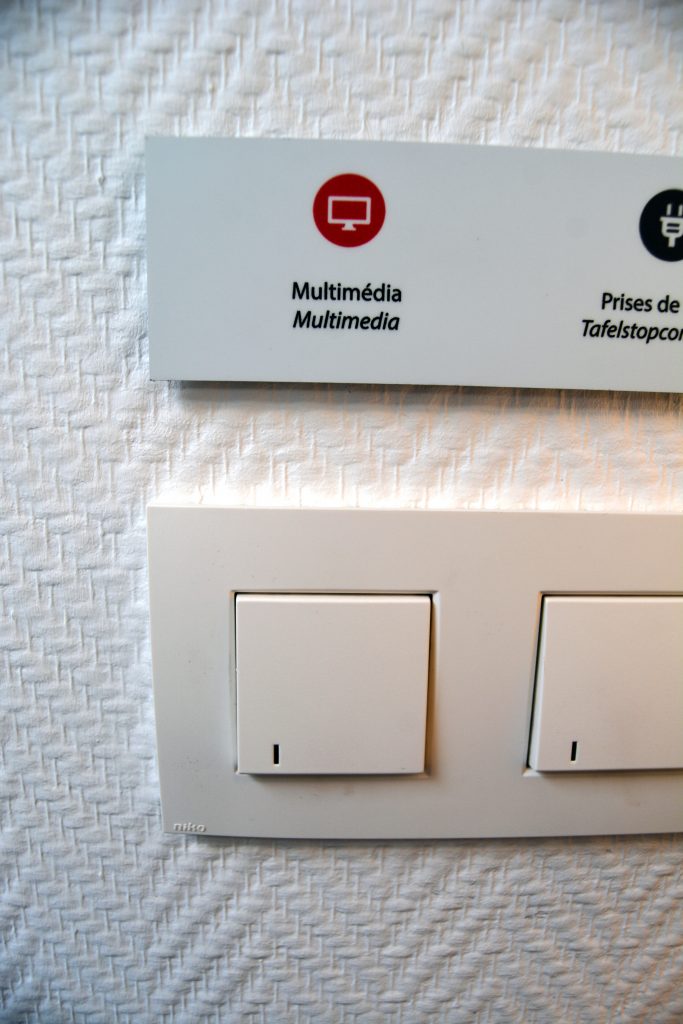
Multimedia must be switched on and fully started up. The HDMI ports only work when the “multimedia” is switched on. You can find the multimedia switch to the left of the door, above the black cabinets, next to the lamp. It takes some time for the system to start up.
As soon as you plug in the HDMI cable and the laptop, the image appears on the large screens. If this is not the case, the person leading the meeting (or sitting behind the small screens) should move your image from the left to the right monitor.