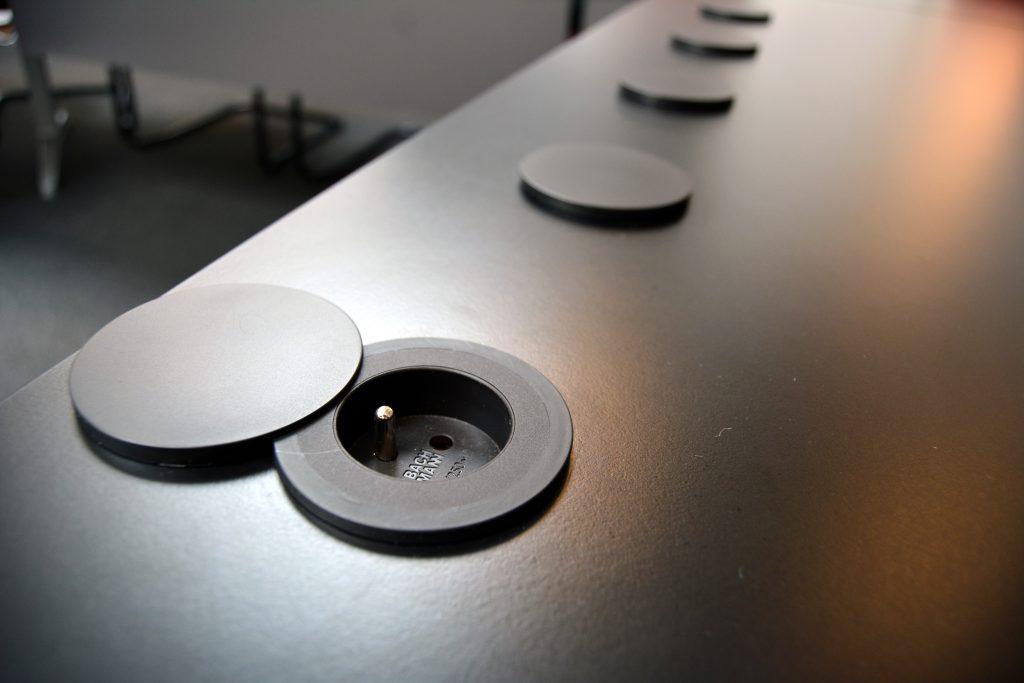
The meeting table of the Lambertine room is equipped with power outlets to charge your various devices, such as mobile phones, laptops or tablets. Each side of the conference table has 4 power outlets and 1 video input. To access the power outlet, you need to slide the flap horizontally.
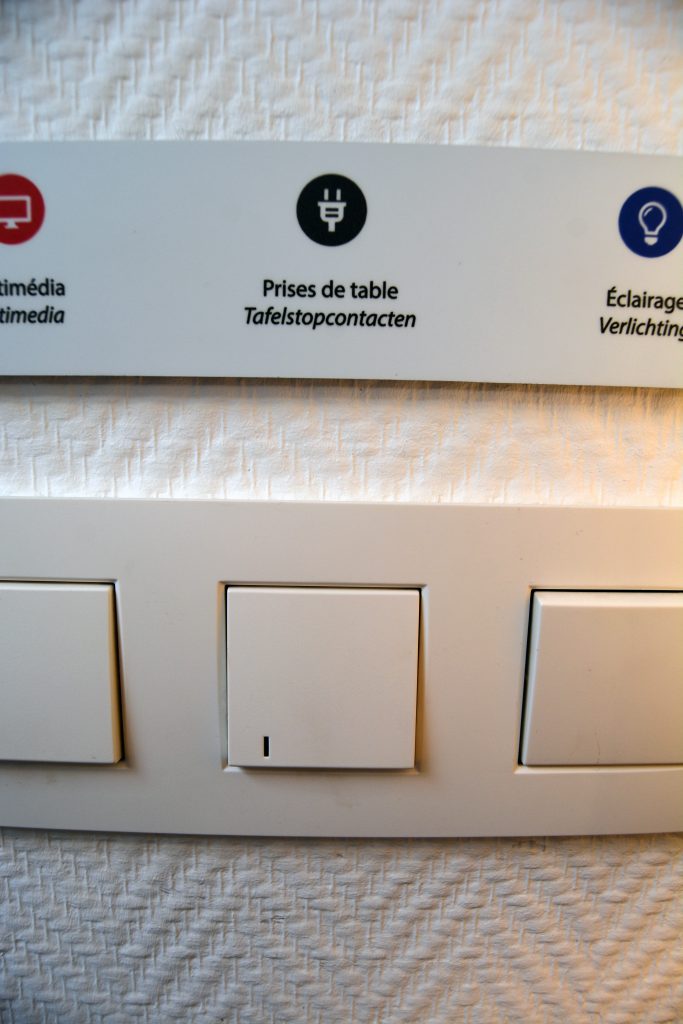
Make sure that the socket of the conference table is switched on. You or the person chairing the meeting can turn on the switch found to the left of the door above the black cupboards, next to the lamp.
There you will also find the switches for the multimedia and the lighting. Do not switch off the multimedia if it is being used during the meeting.